

Tethered Photography: Who Needs It, Who Doesn't, and Why It Changes Everything on Set
If you shoot in a controlled environment, whether that is a studio, a hotel ballroom, a historic home, or a corporate office, tethering is one of the most valuable habits you can build. It gives you real-time information when you can still act on it. It changes how clients experience a shoot. And at scale, it is the difference between a production that runs and one that unravels.
But tethering is not for everyone, and pretending otherwise would be doing a disservice to a lot of photographers who do not need it. Here is the honest breakdown of who should be shooting tethered, who genuinely does not need it, and what it actually changes when you do.
What Is Tethered Photography?
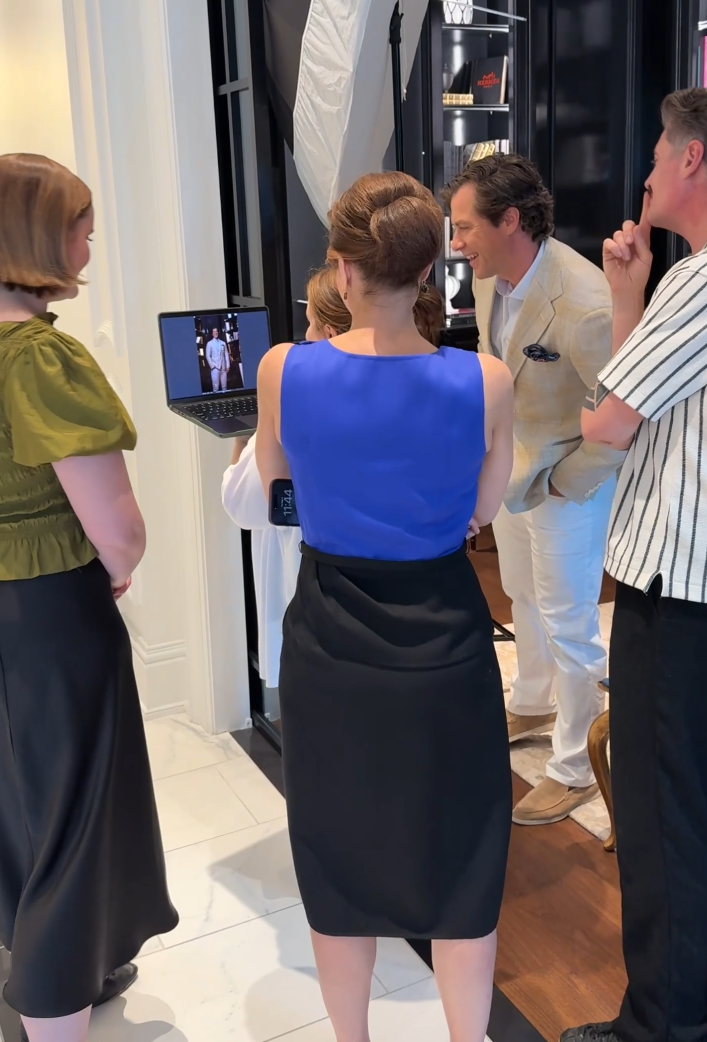
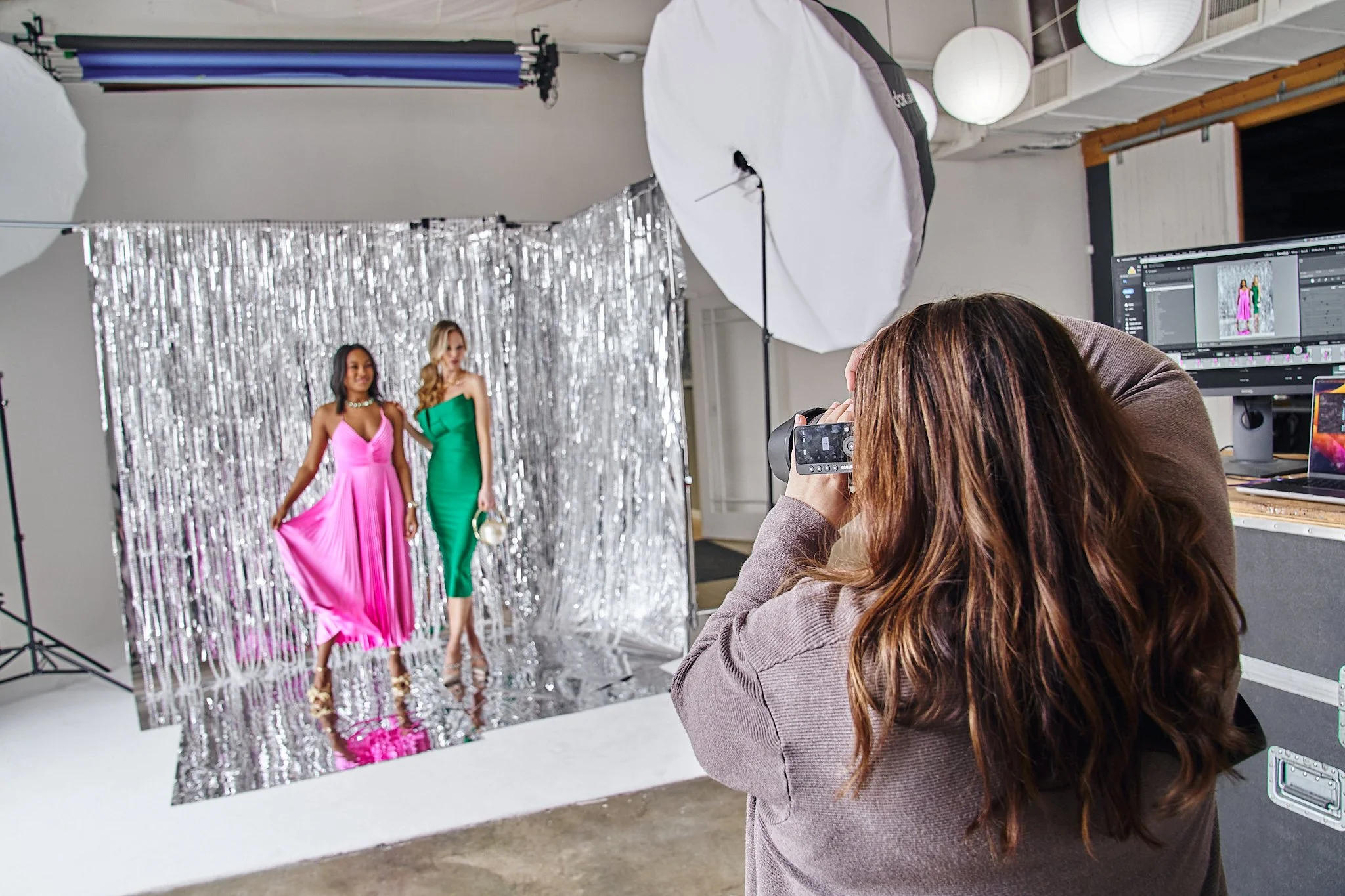
Tethered photography means your camera is connected, either by cable or wirelessly, to a computer running tethering software. Every image you capture transfers to that computer in real time. You see each frame on a large calibrated screen the moment it is taken, which means you can review light, expression, composition, and detail while everyone is still in position and adjustments are still possible.
I use Capture One for all tethering. On smaller sessions I tether wirelessly and transfer JPGs immediately, loading the RAW files afterward. On larger productions or when I have a dedicated DigiTech, I run a tether cord for speed and reliability.
Who Actually Needs to Shoot Tethered?
Tethering makes the most sense any time you are working in a controlled or semi-controlled environment where the goal is a specific, repeatable result. That includes:
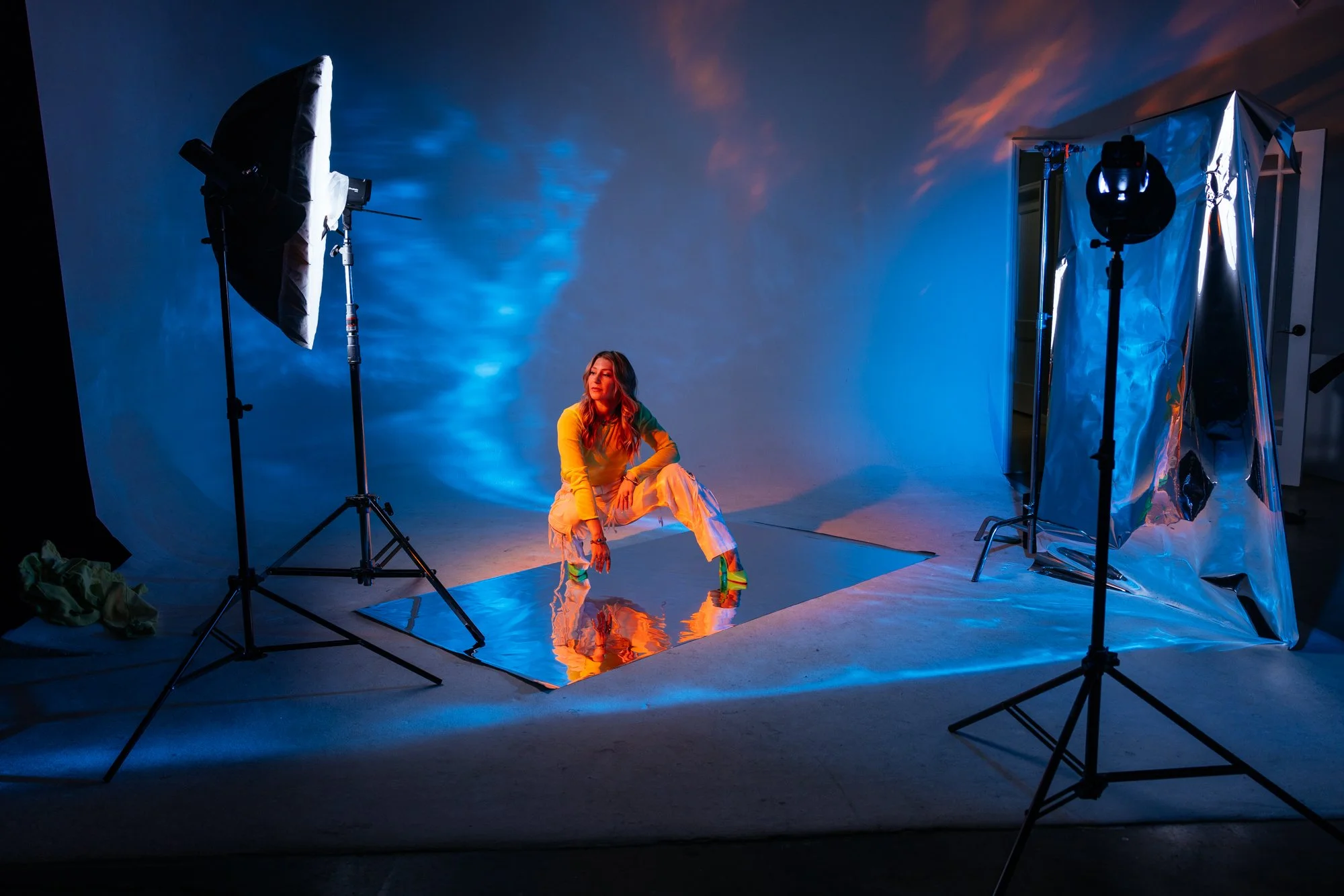
Studio photographers shooting headshots, portraits, or product work. You are controlling the light, the background, and the subject. There is no reason not to see exactly what you are getting.
Commercial and Advertising photographers on any size production. The stakes are high, the deliverables are specific, and the budget does not leave room for discovering problems after the shoot.
Editorial photographers working with a creative director or stylist on set. Tethering lets the whole team make decisions together in real time rather than waiting on a post-shoot edit to find out the story did not read on camera.
Headshot and branding photographers working with clients in any controlled setting. Seeing the image large on screen mid-session builds client confidence, catches issues before they become a problem, and leads to faster, cleaner deliverables.
That last one matters more than people give it credit for. A client who can see their images in real time during a headshot session is a client who trusts the process. That trust changes the energy in the room, and that energy shows up in the photographs.
Who Does Not Need to Tether?
Just as important as knowing when to tether is knowing when it would be completely unnecessary. There are entire categories of photographers for whom tethering would add friction without adding value.
Wedding photographers are moving constantly, working in unpredictable light, and reacting to moments as they happen. A tether cable would be dangerous and wireless tethering would be a distraction. This is not what tethering is for.
On-location family photographers chasing kids through a field or a park are in the same boat. The work is reactive, physical, and fast. The last thing you need is a laptop to manage.
Documentary and photojournalist photographers are working in real-world conditions where the story comes first and control is not part of the equation. Tethering has no place in that workflow.
Street photographers and travel photographers need to move freely and respond to the world around them. A tethered setup would kill the work entirely. If you are running and reacting, tethering is not for you and that is completely fine. I would not tether if I was photographing my own son running around in a field. The tool has to match the work.
What Tethering Looks Like at Scale:
The Tempo Hotel Campaign
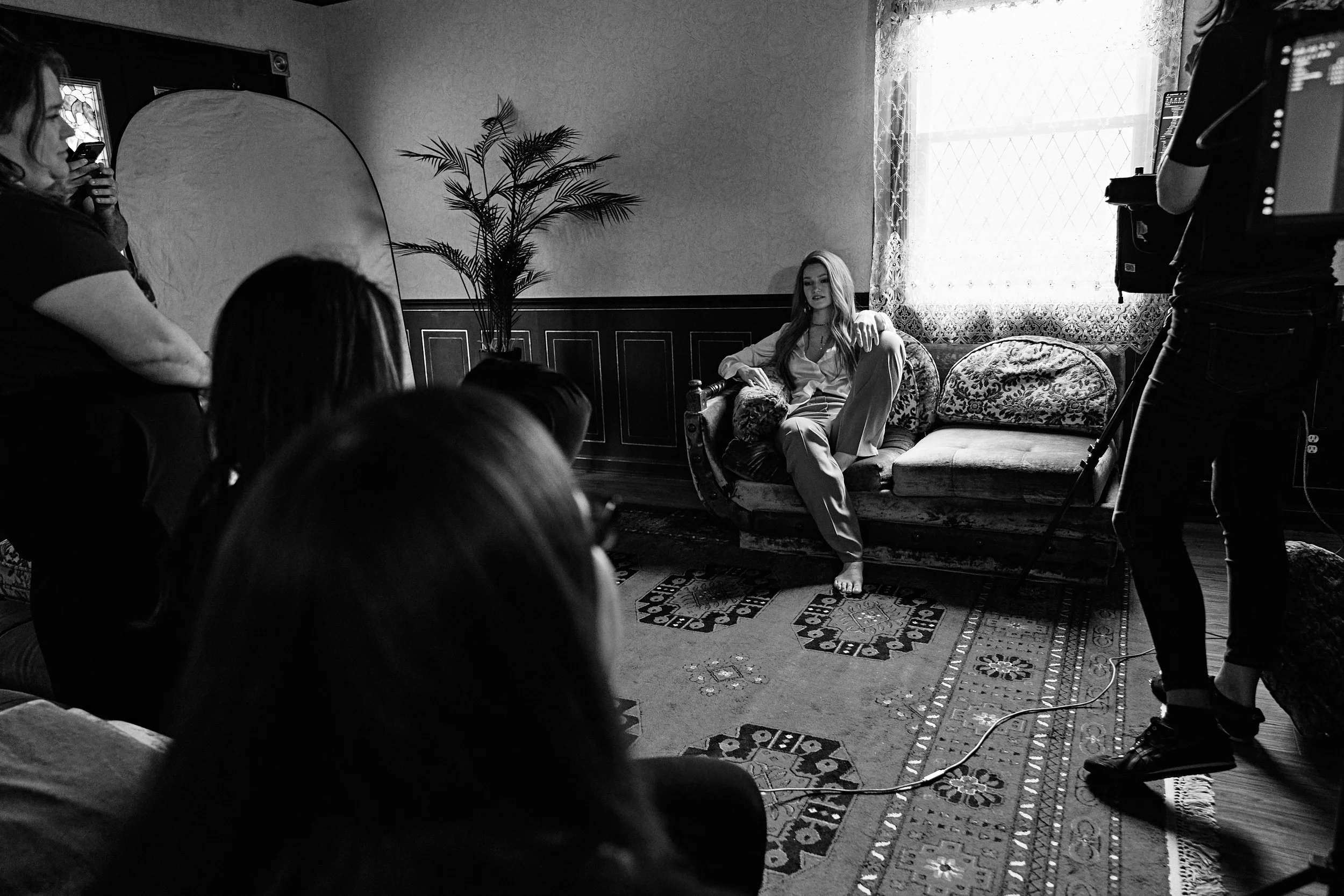
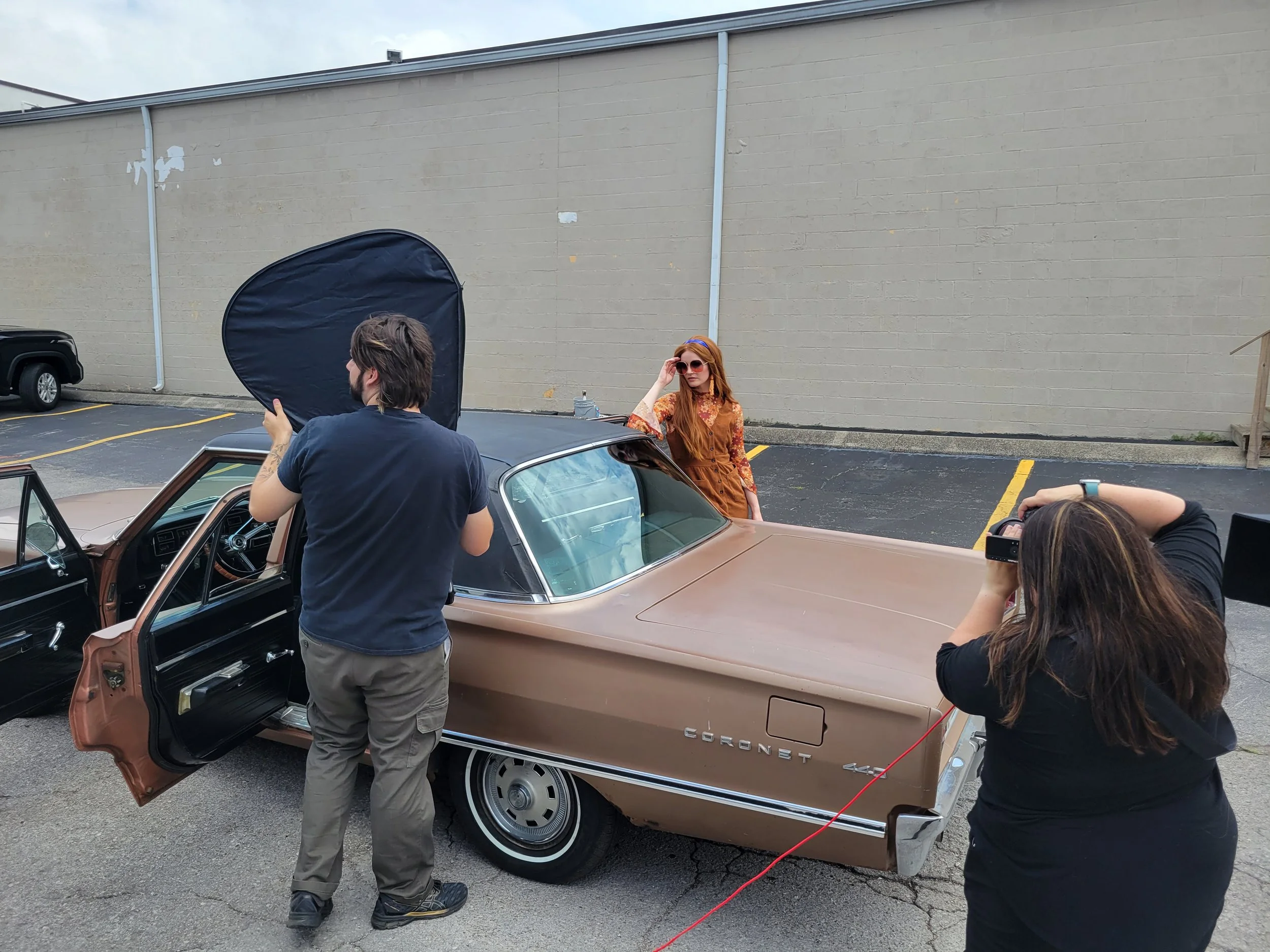
The Mary Louise campaign for Tempo Hotel by Hilton in Nashville is a good example of what tethering looks like when a production gets large enough to require it as infrastructure rather than just a preference.
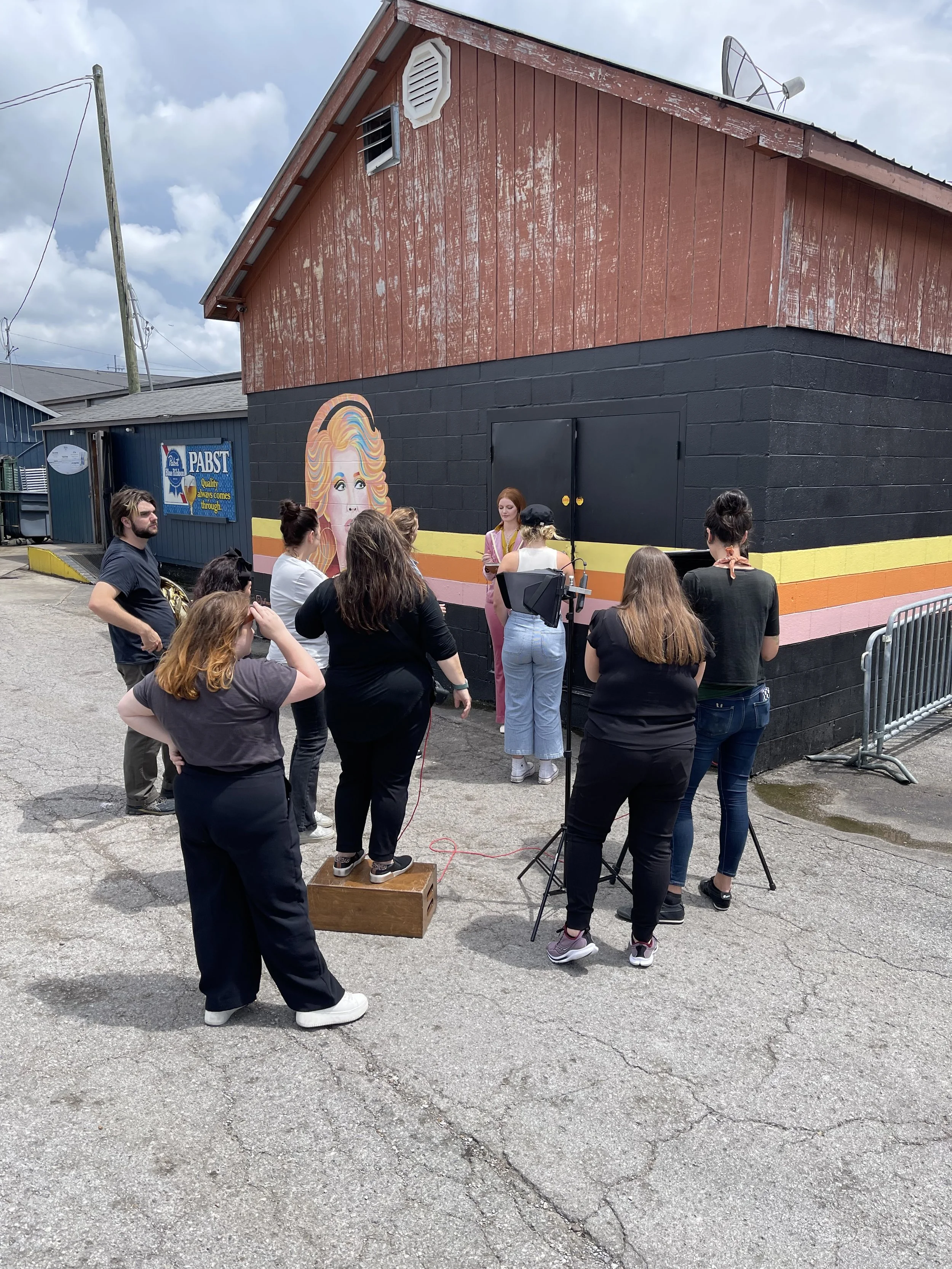
This was a two-day shoot across multiple Nashville locations: a mid-century modern home, Nashville Palace, Castle Recording Studio, and a music venue full of memorabilia. Each location brought completely different lighting conditions. We were mixing natural light, stage lighting, ambient room light, and Profoto strobes, sometimes within the same setup. The hotel had not even opened yet, and these photographs were going to become floor-to-ceiling prints on every guest floor. There was no room to find out something was off after the fact.
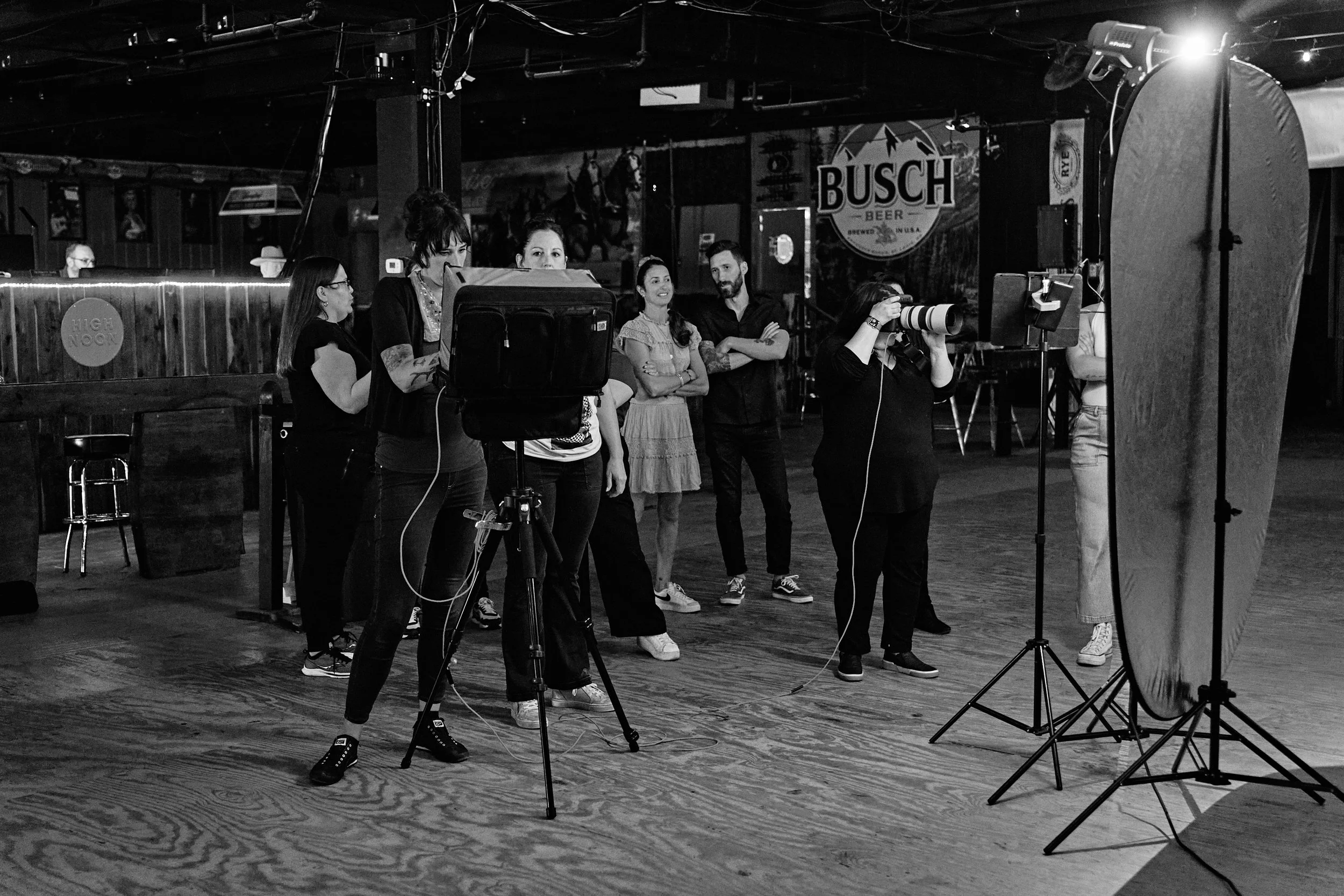
Because of the scale, I had a DigiTech managing the tether station throughout both days. That division of focus is something photographers underestimate until they have experienced it. I stayed on the subject, the light, and the story. She managed the incoming files, flagged anything worth a second look, and kept us organized across every location and look change. The shoot moved the way it needed to move because the information was always right there.
That is tethering at scale. But the same principle applies whether you are on a two-day Nashville production or shooting a single headshot client in your studio.
How the Setup Changes Depending on the Shoot
Not every tethered shoot looks the same, and the setup should match the job. Wireless tethering is the right call for sessions where you need to move freely or where the location changes throughout the day. I transfer JPGs in real time and pull the RAWs in afterward. It is fast enough to make real decisions, and you are not managing a cable across a room or up a staircase.
Wired tethering is the better choice on larger productions or any time you have a DigiTech on set. The connection is faster and more stable, which matters when you are moving through a high volume of images with a team watching.
Both run through Capture One, which gives me live view, real-time adjustments, and a session structure that keeps everything organized no matter how many setups or locations are involved.
What Photographers Should Know Before Tethering on Set
If you are newer to tethering or building toward larger commercial work, here is what actually matters.
Learn the software before the job. Capture One has a learning curve. Know how to build a session, configure live view, and organize your folders before a client is in the room watching you figure it out.
Always have a cable backup even if you plan to tether wirelessly. Connections drop at the worst possible moments. A tether cable in your bag has saved more than one shoot day.
Set client expectations at the top of the session. Clients who have never been on a tethered shoot can treat the monitor like a frame-by-frame review. A brief explanation at the start, something like "you will see everything come through and we will review selects together at each setup," keeps everyone focused and the energy moving forward.
On larger productions, your DigiTech is a creative collaborator. The person managing the tether station on a big shoot is not running errands. They are keeping the production organized so you can stay in the work. Treat that role accordingly.
Frequently Asked Questions About Tethered Photography
What is tethered photography?
Tethered photography connects your camera to a computer in real time so every image transfers instantly to a larger screen as you shoot. It allows you and anyone else on set to review images as they are made rather than waiting until after the session.
Do all photographers need to shoot tethered?
No. Tethering makes the most sense in controlled environments: studios, commercial productions, editorial shoots, and headshot sessions. Wedding photographers, family photographers working on location, documentary photographers, and street photographers generally have no use for it and would find it more hindrance than help.
Does tethering slow down a shoot?
It adds a few minutes of setup at the start. After that it typically speeds up decision-making because everyone is working from the same image at the same time. Approvals happen faster and you move through your shot list more efficiently.
What software do you use for tethering?
Capture One. It is stable, fast, and gives more control over the live image than anything else I have used consistently across different shoot types and sizes.
What is the difference between wireless and wired tethering?
Wireless tethering gives you freedom of movement and works well when you are changing locations or need to move around the subject. Wired tethering is faster and more stable, which makes it the better choice on high-volume production days or when you have a DigiTech managing the station.
When do you use a DigiTech on set?
On larger commercial productions where the volume of images, number of setups, or complexity of the shoot makes it worth having a dedicated person managing the tether station. It keeps me shooting instead of managing files.
Do you tether on headshot sessions?
Yes. Any time I am in a controlled environment with a client in front of my camera, I am tethered. Seeing the image large on screen during the session builds client confidence and catches anything that needs to be adjusted before it becomes a problem in post.