
How AI Made Me a Better Photographer (Not the Way You'd Think)
Last Updated: October 2026
TL;DR: AI isn't replacing creative direction, it's automating admin work. By leveraging Aftershoot for culling, Evoto for retouching, and Claude for client communication, commercial photographer Tausha Dickinson reduced editing time from late nights to under an hour.
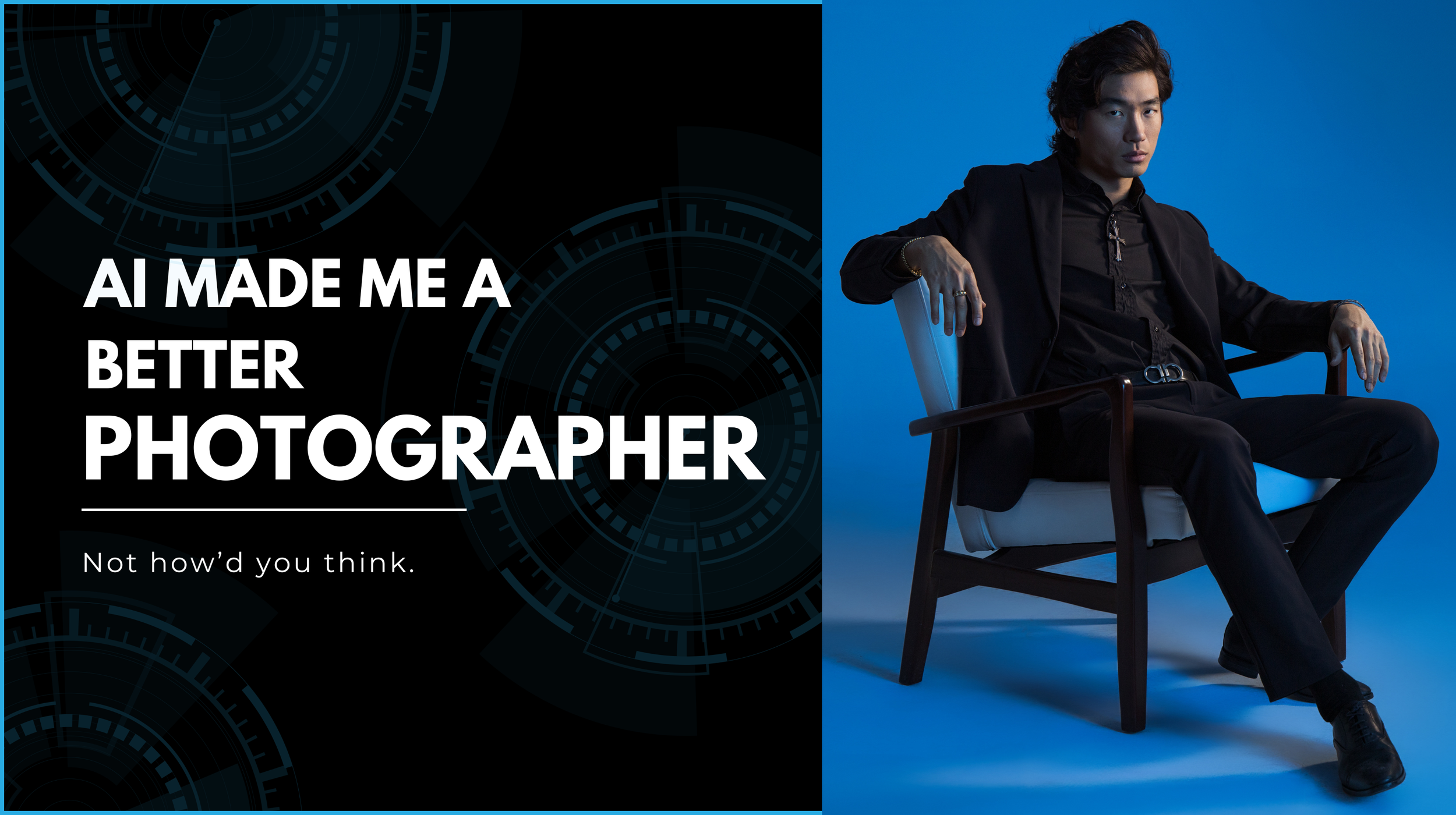
AI is not replacing photographers…
It is replacing the version of you that is up at midnight retouching images when you should be asleep.
I used to end shoots and immediately start dreading what came next. The culling. The retouching. The proposals. The follow-up emails that had been sitting in my drafts since Tuesday. By the time I actually got to bed, I had given my best hours to admin and my family got whatever was left.
I am still a part of every single one of those processes. That has not changed. What changed is the speed. What used to take me until midnight takes me an hour. And that hour I got back did not go toward more work. It went toward my son. Toward shooting something for myself. Toward actually resting.
That is what AI did for my photography business. Not replace my judgment or my eye or my direction. Just stop stealing my nights.
If you want to know exactly where to start based on your specific workflow, I built a free tool for this. Seven questions, five personalized recommendations, takes about three minutes.
My AI Photography Workflow at a Glance
By the numbers
1,000+
images culled and edited with Aftershoot
in under 20 minutes
Seconds
per image to retouch with Evoto
down from about 20 minutes each
1 hour
of hands-on editing per shoot
instead of late nights
Where each tool fits
| Tool | What it handles | What changed for me | Where it fits |
|---|---|---|---|
| Aftershoot | Culling and first-pass edits | Over 1,000 images culled and edited in under 20 minutes | Right after the shoot |
| Lightroom | Final check and AI masking | Background and hair selections in seconds, with cleaner edges | On my selects only |
| Evoto | Skin, hair, and distraction retouching | Seconds per image, 90 to 100 percent done, instead of about 20 minutes each | Main retouching step |
| Photoshop | Complex fixes | Only clothing repairs, hair gaps, and tough backgrounds | When Evoto cannot finish it |
| Claude | Client emails, captions, proposals | Same-day replies instead of drafts sitting for days | Admin, any time |
| Dubsado | CRM, proposals, scheduling | The whole business runs in one place | Before and after every shoot |
Numbers come from my own workflow. Your results will vary.
What Do Photographers Actually Spend Their Time On?
Ask any working photographer what they actually spend their time on and the answer is almost never taking photographs. It is culling, retouching, answering inquiries, and marketing.
This is exactly why the 80/20 rule has become my favorite way to protect my time as a photographer. Read: The 80/20 Rule for Photographers
The camera time gets squeezed into the margins. Over time, that takes a toll on your creative energy. AI does not solve this completely, but it solves it significantly. For photographers who have learned to use it well, it is bigger than any gear upgrade I have ever used.
What Is the Best AI Culling Software for Portrait Photographers?
I want to be honest here because I think a lot of photographers are afraid to admit how good AI retouching has gotten. The answer is very, very good. Using it is not cheating. It is working smart.

Aftershoot
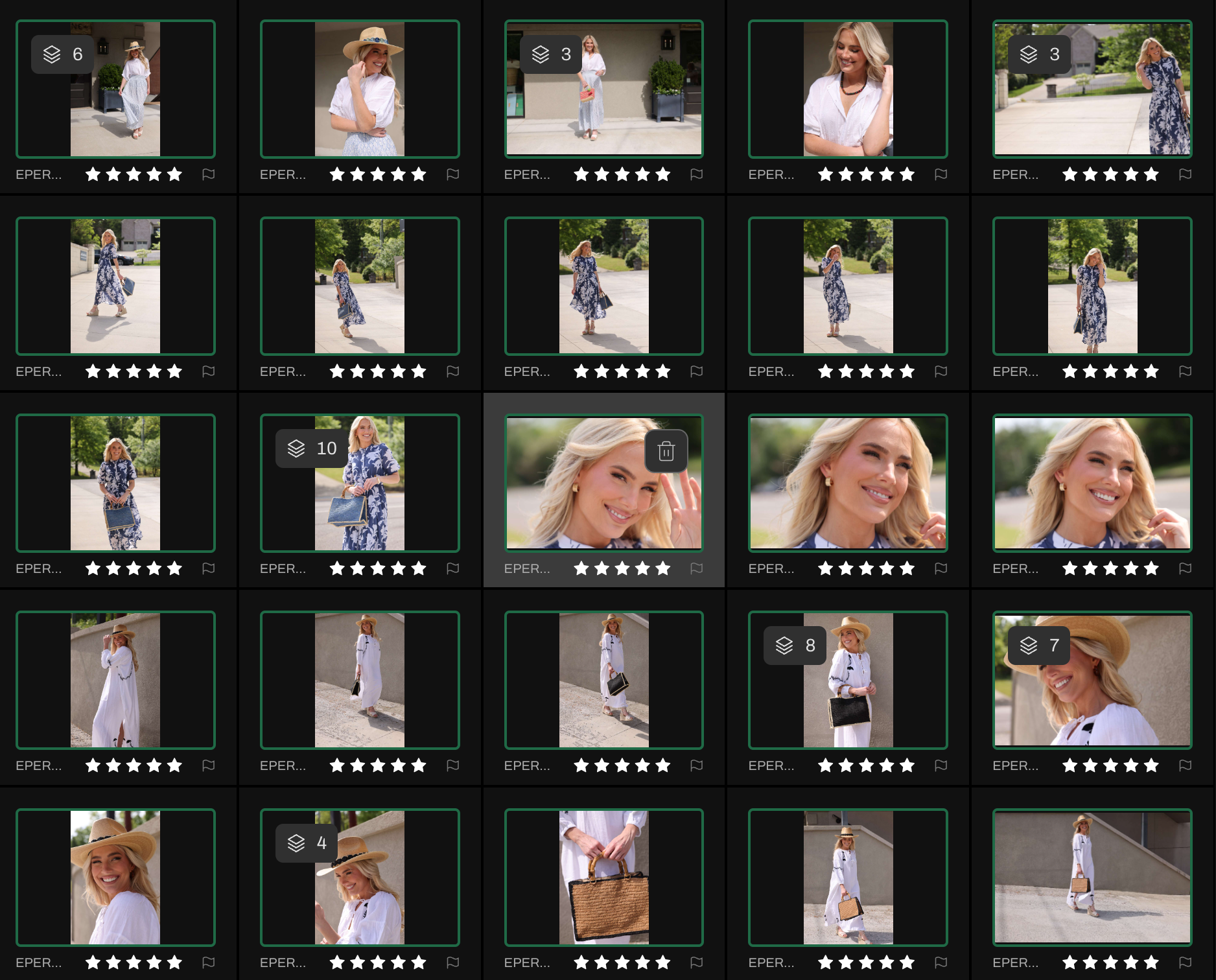
If you photograph people and you are not using it yet, you are leaving serious time on the table. I have trained Aftershoot on my editing style, so it is not just culling. It is applying my color corrections, my slight crops, my straightening preferences, all at the same time. Over a thousand images, culled and edited, in under 20 minutes. The first time that happens you will just sit there for a second.
The good news if you are just starting out: you do not have to train it from scratch. Aftershoot comes with built-in profiles that cover a wide range of styles and will match most photographers right out of the gate. I used those profiles for quite a while before I had enough of my own images to train it to exactly what I wanted. Either way, you are saving hours from day one.
Can Lightroom AI Masking Replace Manual Selections?
After Aftershoot runs, I open my selects in Lightroom for a final check. Sometimes I make tweaks. Sometimes I make none at all. But when I do need to refine, AI masking is where it earns its keep. In the example below, I felt the background was reading a little too bright and pulling attention from my subject. I used AI masking to select the background and her hair separately, brought the exposure down, and desaturated the background slightly. What used to require careful, tedious manual selections now takes seconds and the edges are cleaner than anything I was doing by hand.

Is Evoto Worth It for Retouching?
This is where retouching happens. Seconds per image, and I am 90 to 100 percent done. Evoto handles skin beautifully, tames hair flyaways, smooths out clothing bumps, and removes studio distractions with a level of accuracy that used to take me 20 minutes per image. You can see exactly what I mean in the example below.
Where I still pull an image into Photoshop is for more complex work: removing something from clothing, filling in gaps in hair, or distraction removal on a complicated background. But honestly, it is only a matter of time before Evoto handles all of that too. They push updates constantly and every one moves the line a little further. Evoto is already my last stop more often than not.
The Line Worth Drawing: Keep Personal Projects AI-Free
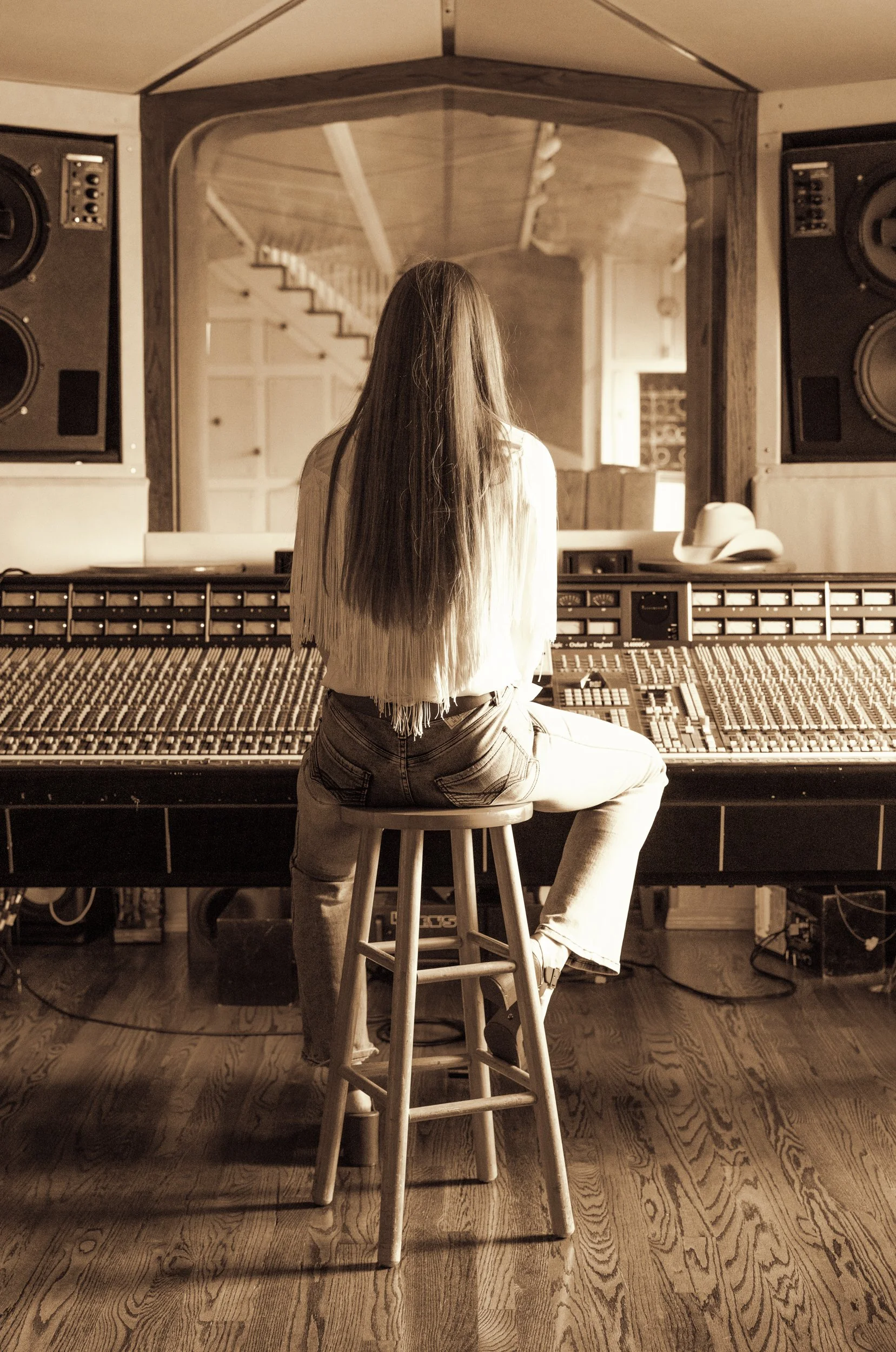
Here is the practice I want to put in front of you. Do a few personal projects completely unretouched. No AI masking. No generative fills.
This is about keeping your eye sharp. When you know AI is not going to fix it, you make better decisions before you shoot. You think harder about your photography lighting setups.
I talk a lot about the importance of studio lighting setups with minimal gear because honing your fundamental craft is the only way to stay relevant. When you sit down to review those images without touching them, you learn where your lighting is falling short. Personal projects are where your craft either grows or quietly stagnates. Keep them honest.
Your Week: When AI Is Part of Your Workflow
Here is what a week looks like when AI is woven into your workflow the right way. Your culling is done in Aftershoot. Your skin retouching in Evoto takes minutes instead of hours.
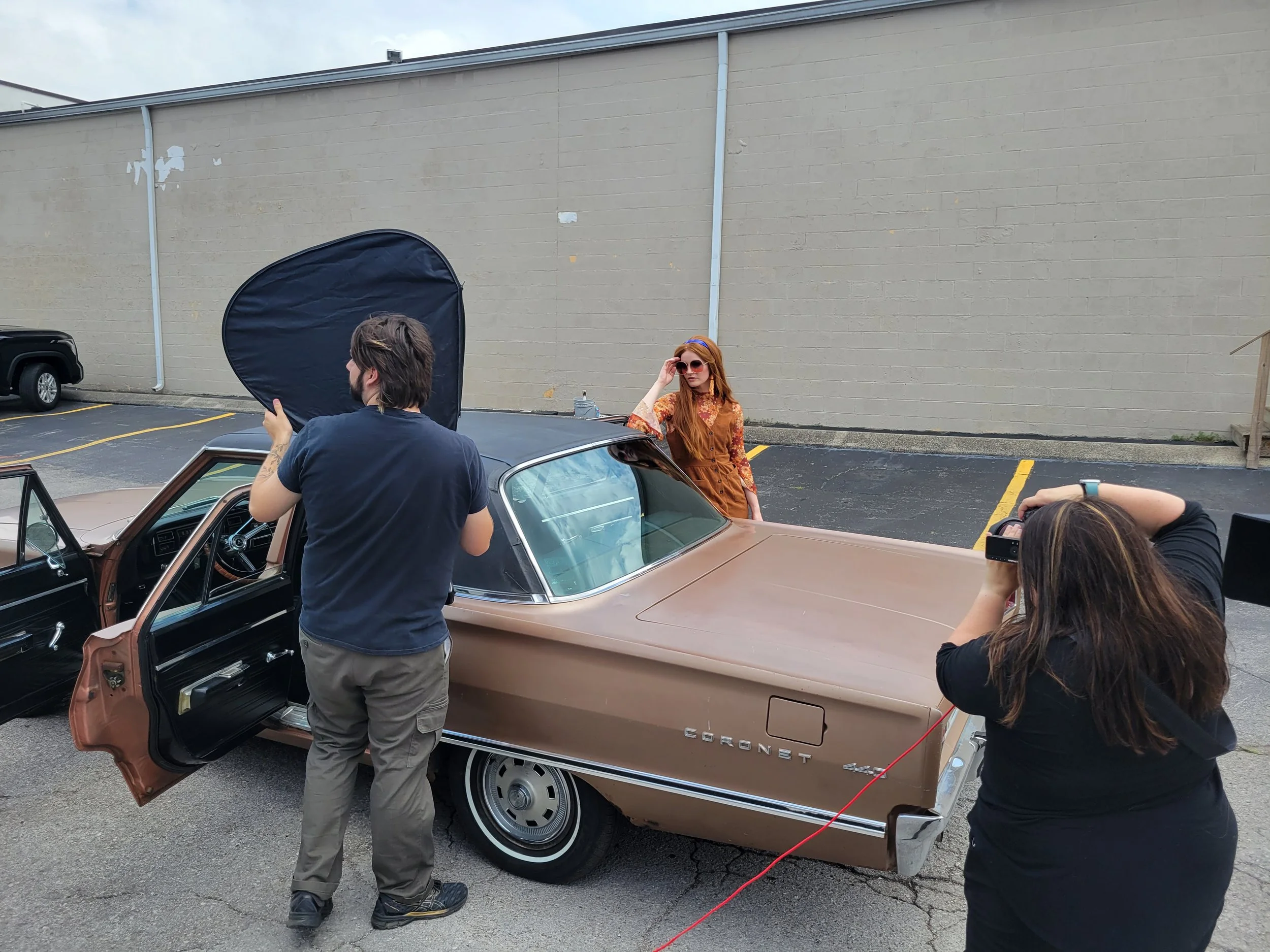
Because you are not bogged down in admin, your client emails go out the same day instead of sitting in your drafts. I use Claude to help refine my messaging and stay on top of communication. When you pair these tools with a solid CRM like Dubsado, your business starts to run like a well-oiled machine.
On the weekend, you go shoot something for yourself. There is no AI safety net. Just you making photographs because you love it. That is the balance. AI handles the business so you have more of yourself left for the art.
You already know AI can help.
This tells you exactly where to start.
FAQ’s About AI and Photographers
Q: Will AI tools replace photographers?
No. AI tools replace the administrative work that keeps photographers from doing photography. Culling, retouching, client emails, captions, proposals: these are the tasks that eat your week. AI handles those so you can spend more time behind the camera. The creative eye, the direction, the relationship with your subject: that is still entirely yours.
For a deeper look at how to protect your time as a photographer, read The 80/20 Rule for Photographers.
Q: Is using AI retouching cheating?
No more than using a flash instead of natural light. The craft is in the decisions you make before and after the tool does its job. If AI masking helps you deliver better work faster, that is a workflow upgrade, not a shortcut. The line worth watching is whether you are using it to enhance what you captured or to fix what you should have gotten right in camera.
Q: What AI tools do professional photographers actually use?
The most common in professional portrait and commercial workflows right now are Evoto for skin retouching, Aftershoot for culling and selects, Lightroom AI Masking and Denoise for editing, and Claude or ChatGPT for writing tasks like client emails, captions, and proposals. For more on building systems around these tools, read How to Use a CRM as a Photographer. The right tools depend on where your time is actually going.
Q: How does Aftershoot work for photographers?
Aftershoot learns your selection style over time and identifies your best frames before you sit down to review a shoot. It does not make the final creative call for you. It eliminates the repetitive sorting so you can get to the decision-making part faster. Most photographers find their culling time drops significantly after the first few sessions.
Q: Can AI help photographers with client communication?
Yes, and this is one of the highest-leverage places to start. AI writing tools like Claude can draft inquiry responses, gallery delivery emails,follow-up sequences, and social media captions in seconds. The key is building a brand voice document first so the output sounds like you, not like a generic template.
Q: Should photographers use AI for personal projects?
This post actually argues the opposite: keep personal projects AI-free. Shooting without a retouching safety net sharpens your eye and forces better decisions before you press the shutter. Personal work is where your craft grows. Let AI handle the business tasks so you have more creative energy left for the work that actually matters to you.
Q: How do I know which AI tools are right for my photography business?
It depends on where your time is going. A photographer losing 10 hours a week to editing has a different problem than one drowning in client emails. The AI Time Audit on this page takes about three minutes and gives you five personalized recommendations based on your specific answers.